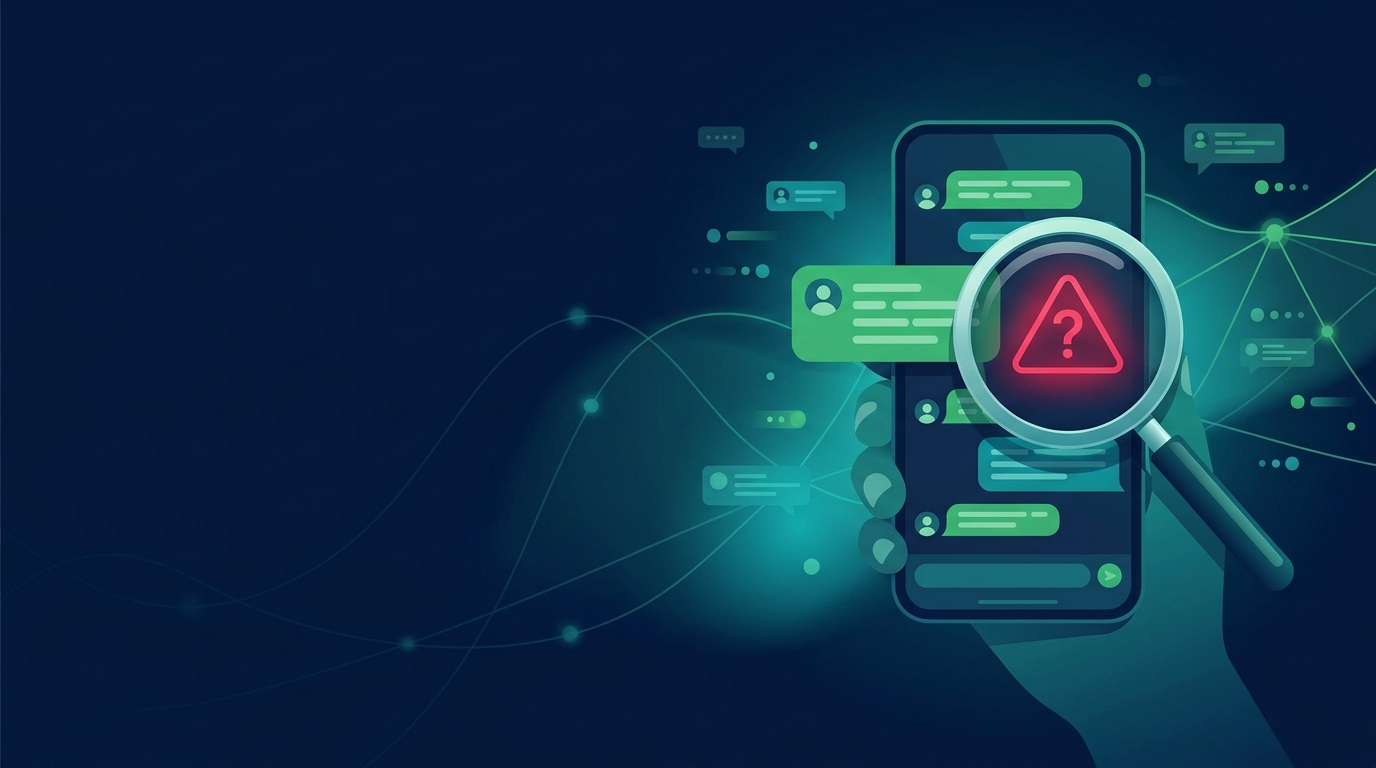
Picture this: a text pops up on your phone from an unknown contact, claiming that a popular politician has just died. The message is urgent, the tone is dramatic, and it’s already been forwarded “10 times.” You’re tempted to share it with your family, only to discover later that the story was fabricated. In a country where WhatsApp is the primary channel for news, such incidents are not rare.
Why WhatsApp Is a Hotbed for Fake News
High penetration and group culture
WhatsApp accounts for more than 200 million users in Pakistan, making it the most widely used social‑media platform in the country. The app’s group feature encourages rapid sharing, and a single message can reach thousands within minutes. In a recent study of 227 public WhatsApp groups, 7 000 COVID‑related messages were analyzed, and 14 % of them were identified as misinformation—an alarming proportion that highlights how quickly false stories can spread on the platform [1].
End‑to‑end encryption limits transparency
WhatsApp’s end‑to‑end encryption means that only the sender and the recipient can read the content; no third party, including the company itself, can inspect the message. This design protects privacy but also removes a layer of transparency that could otherwise help users verify authenticity [3].
Rapid sharing speeds up rumor cycles
Because forwarded messages are instantly visible to all group members, rumors can snowball before anyone has a chance to fact‑check. The same study found that misinformation messages had the longest lifetime among all content categories on WhatsApp, indicating that once a false story enters a group, it tends to persist longer than factual updates [2].
Recognizing Red Flags in a Message
| Red flag | What to look for | Why it matters |
|---|---|---|
| Unverified source or anonymous sender | The message comes from a contact with no profile picture, no name, or a generic “Unknown” label. | Anonymous senders often lack credibility; verified accounts usually display a blue tick or a known username. |
| Urgent or sensational wording | Phrases such as “BREAKING,” “SHOCKING,” or “You must act now.” | Sensational language is a classic tactic to trigger emotional reactions and prompt impulsive sharing. |
| Lack of supporting evidence or links | No URLs, no attached documents, or no screenshots of official statements. | Reliable news usually cites sources or provides verifiable evidence. |
| Contradictory details with known facts | Claims that conflict with established facts (e.g., a government policy that has never been announced). | Contradictions are a clear sign that the story may be fabricated or distorted. |
Checking the Original Source
- Use reverse image search for photos – Upload the image to Google Images or TinEye to see if it appears elsewhere online.
- Verify URLs with reputable fact‑checking sites – Paste the link into a fact‑checker such as FactCheck.pk or PakistaniFactCheck.org.
- Cross‑check dates and timestamps – Compare the date on the message with the publication date of the original source.
- Look for official statements from relevant institutions – Visit the official website of the ministry, party, or organization mentioned in the story.
In 2021, a rumor linking a local brand to a disease was traced back to a doctored image and debunked by a fact‑checking service, preventing widespread panic [10].
Using Built‑in WhatsApp Features Wisely
| Feature | How to use it | What it reveals |
|---|---|---|
| **“View Media Info”** | Tap the photo or video → three dots → “View Media Info.” | Shows the original file size, format, and the date the media was created. |
| **“Message Info”** | Tap the message → three dots → “Message Info.” | Displays forwarding history and the number of times the message has been forwarded. |
| **“Search”** | Use the search bar in a group to find earlier versions of the message. | Helps determine whether the message has been altered or is a new copy. |
| **Report or block suspicious contacts** | Tap the contact name → “Report.” | Allows WhatsApp to investigate potential spam or misinformation. |
WhatsApp advises users to consult trusted news sites and fact‑checkers before sharing any forwarded message [8]. Leveraging the app’s own tools can give you an extra layer of confidence before you hit “Forward.”
Practical Verification Workflow
- Pause before forwarding – Give yourself at least a minute to scrutinize the content.
- Verify source and evidence – Use the steps above to check the origin.
- Consult trusted news outlets – Cross‑reference with reputable Pakistani news agencies (e.g., Dawn, The News International).
- Share only after confirmation – If any doubt remains, do not forward.
Applying this workflow consistently turns a casual sharer into a responsible communicator, reducing the spread of misinformation.
The Role of Community and Media Literacy
Encourage fact‑checking habits in circles
Ask friends and family to pause and verify before forwarding. A simple “Did you check this?” can break the chain of false sharing.Promote media‑literacy workshops
Local NGOs, schools, and community centers can host sessions that teach users how to spot fake news, use built‑in app tools, and rely on reputable fact‑checkers.Collaborate with local NGOs and journalists
Partnerships between fact‑checking organizations and media outlets can amplify accurate information. In Pakistan, more than 50 fact‑checking services worldwide use WhatsApp to gather claims, yet local capacity remains uneven [6][7].Share success stories of debunked rumors
When a community member successfully debunks a rumor, sharing that story reinforces the value of verification and motivates others to act similarly.Conclusion
WhatsApp’s ubiquity in Pakistan makes it a powerful conduit for both truth and misinformation. By understanding the platform’s mechanics, spotting red flags, verifying sources, and using built‑in tools, users can protect themselves and their communities from the harmful effects of fake news. The practical workflow outlined here is simple, repeatable, and, most importantly, effective. When each of us takes a moment to pause, verify, and share responsibly, we strengthen the information ecosystem and uphold the integrity of our public discourse.
Sources
- Javed, et al. “Countering Disinformation in Pakistan.” Media Support (2023). https://www.mediasupport.org/wp-content/uploads/2023/01/Countering-Disinformation-in-Pakistan-2023.pdf
- Same source as above.
- WhatsApp FAQ – “What is end‑to‑end encryption?” https://faq.whatsapp.com/431498999157251
- WhatsApp FAQ – “Forwarded many times” label. https://faq.whatsapp.com/431498999157251
- Same source as above.
- Same source as above.
- Same source as above.
- WhatsApp FAQ – “Consult trusted news sites and fact‑checkers.” https://faq.whatsapp.com/431498999157251
- Same source as above.
- Freiheit. “Misinformation in Pakistan during COVID‑19.” https://www.freiheit.org/pakistan/misinformation-pakistan-during-covid-19